StackCP
StackCP Control Panel
Manage your domains, websites, databases, email accounts and more.

Created by Experts
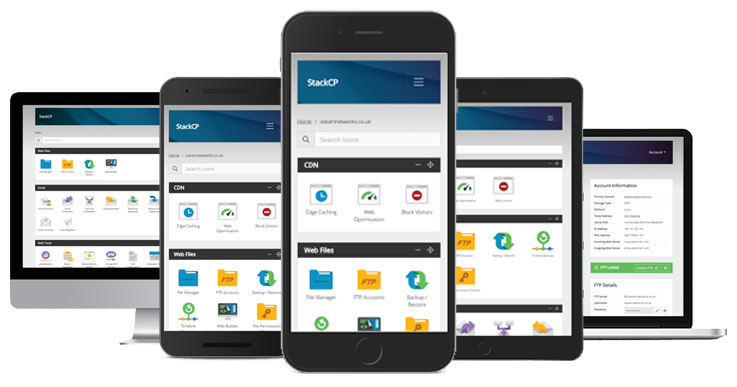
Other control panels can be slow and unwieldy if you’re trying to make changes from a beach somewhere…not so with ours! You can manage and update your settings using any device.
Our control panel menu adapts to your screen size, and it’s optimised to be fast and lightweight. It all makes StackCP a frustration-free experience, on a phone, tablet or desktop, whatever your bandwidth.
All in One Place
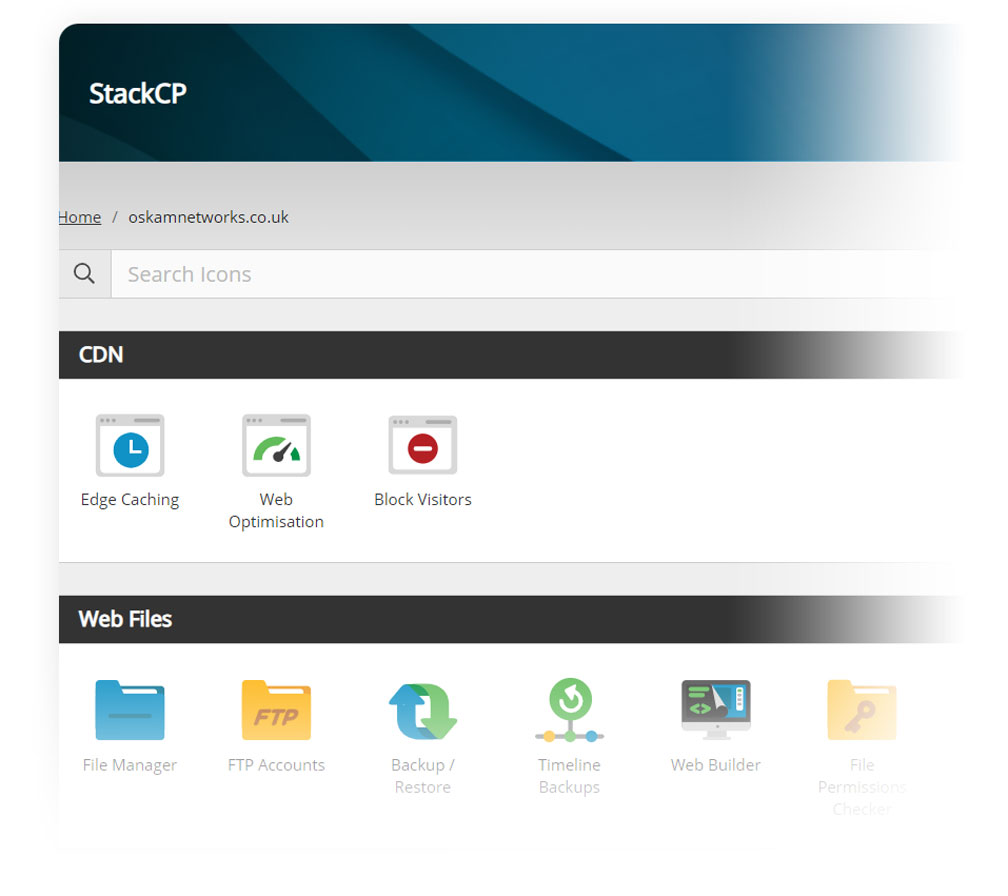
StackCP makes finding features hassle-free. Touch-focused icons, drop-down menus, a quick-add menu and a powerful search bar offer a range of options to get you where you need, fast. Our aim is to make the task of managing hosting – which we know can be pretty dull – as pain-free as possible!
Control all your hosting from one place. It includes a complete file manager, SSH access, comprehensive stats and logs, FTP and email account management, 70+ one-click installs, and much more. Control everything quickly and easily: from the version of PHP you use, to the cron jobs you run.
If you’re a WordPress user, StackCP includes a wealth of features in its WordPress Tools menu. You can create staging sites in one click, and manage users, themes, plugins and more, all from a dashboard within our control panel.
Plus it’s secure. Get peace of mind by setting-up two-factor authentication on logins and SSH access to give you an extra level of security.
Works Everywhere
Other control panels can be slow and unwieldy if you’re trying to make changes from a beach somewhere…not so with ours! You can manage and update your settings using any device.
Our control panel menu adapts to your screen size, and it’s optimised to be fast and lightweight. It all makes StackCP a frustration-free experience, on a phone, tablet or desktop, whatever your bandwidth.

Powerful File Manager
We wanted to give you more than a standard file manager - so we made our own as part of StackCP. That way, we can manage any issues and keep developing it. It’s attractive, intuitive and mobile-friendly.
It’s packed with special features. Files are scanned for malware automatically and you’re alerted if any is present. You can also open files directly in the webspace through a right-click. It supports on-demand disk usage reports and global search for files/directories as well.
Essential Features
When you’re running a business, your control panel shouldn’t be a barrier to getting things done efficiently. You shouldn’t have to resort to third-party tools.WEB HOSTING TOOLS
- File Manager
- FTP Accounts
- Backup and Restore
- phpMyAdmin
- MySQL Databases
- Remote MySQL Database Access
- Malware Scan
- Manage Domains
- Manage Subdomains
- Change PHP Version
- Scheduled Tasks
- SSH Access
- Hotlink Protection
- SSL Certificate Activation
- Password Protection
- Directory Indexing
- Manage IIS Applications
- Website Log Files/Download
- Website Security
- File permissions checker
- Sitemap Generator
- Custom Errors
- Auto Diagnostics
- Maintenance Mode
- Two-Factor Authentication
WORDPRESS TOOLS
- Staging Sites
- Manage Themes
- Manage and Update Plugins
- Manage Users
- Checksum Report
- Site IDs and URLs
- Reinstall WordPress
LINUX WEB HOSTING
- 80+ website creation tools
- Install in one click
- Website Builder
CDN
- Edge caching
- Website optimisation
- Block visitors
- Traffic and usage stats
- Security headers
- Email Accounts
- Email Forwarders
- Catch All Forwarders
- Autoresponders
- Send-Only Addresses
- Receive-Only Addresses
- Junk Mail Filters
- Email Migration
- Domainkeys (DKIM)
DNS
- Manage DNS
- Manage Contacts
- Change Nameservers
- Domain Lock
- Transfer Away
- Domain Redirect
VIRTUAL PRIVATE SERVERS
- Snapshot Backups
- VPS Live Stats
- Rebuild Server and Rescue VPS
- VPS Management
80+ popular free apps
You can choose from 80+ popular free apps including WordPress, Joomla!, Drupal, Magento and OpenCart. Just click and install them in seconds.
 WordPress
 Joomla
 Magento
 OpenCart
 PrestaShop
 Drupal